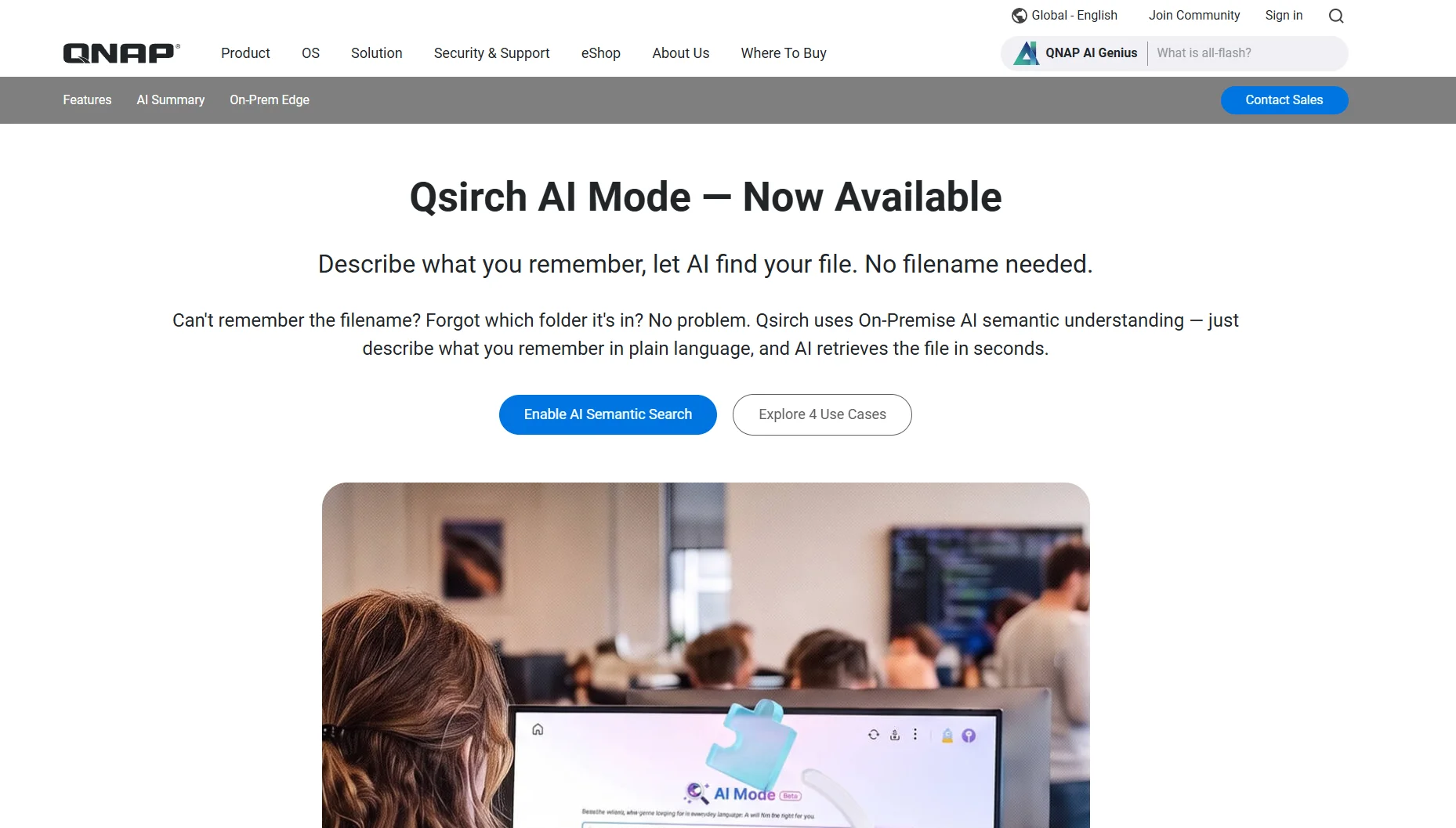
QNAP has rolled out Qsirch AI Mode, letting users find NAS documents, photos, videos and audio by simply describing what they remember — with all AI processing kept on-premises.
QNAP Systems has announced that its Qsirch AI Mode is now available, adding natural-language, on-premises search capabilities to QNAP network-attached storage systems. According to the company, users can now locate documents, photos, videos and audio files by describing what they remember about them, rather than relying on exact file names or keywords.
The feature is aimed at organizations struggling with growing volumes of unstructured data. Instead of manually browsing folders or guessing which keyword might match a stored file, users can type a natural description — such as a contract clause or the content of a photo — and the on-device AI engine returns the most relevant results, the vendor said.
A central addition to the release is what QNAP calls AI Smart Summary. The company states that Qsirch AI Mode now integrates a local large language model capable of generating full-text summaries directly within search results, with a single click, for documents, videos and audio files alike. Notably, QNAP says that if the AI locates a file in English, Japanese or French, the summary is automatically translated into the user’s interface language, removing the need to open the source file at all.
Search now spans four media categories, according to QNAP. For documents — including PDF, DOCX, XLSX, PPTX, TXT, MD, EPUB and EML formats — the system is designed to understand semantic meaning rather than exact wording, so a query about a “non-compete clause,” for instance, should surface the relevant passage even when the document uses different phrasing. The company says a full summary of a 400-page report can be generated within seconds.
For images, Qsirch AI Mode reportedly uses on-device vision-language model (VLM) inference to interpret scene and visual content without requiring tags or manual organization; a description like “an athlete on a soccer field” or “sunset at the beach” is said to be sufficient to retrieve a match. Supported formats include JPG, JPEG, HEIC, HEIF, PNG, BMP, TIF, TIFF and WEBP, with native handling of HEIC and RAW files.
Video search, according to QNAP, ranks matching scenes by relevance and offers a bidirectional link between an automatically generated transcript and the video timeline — clicking a transcript line jumps playback to that exact moment. The same principle applies to audio files in WAV, MP3 and M4A formats, where users can type a remembered phrase from an interview, keynote or call to jump straight to the corresponding timestamp.
QNAP frames the on-premises architecture as the feature’s core differentiator. Because all LLM and VLM inference reportedly runs locally on the NAS rather than through cloud APIs, the company says there are no data-egress costs or subscription-based fees tied to external processing, and the system continues to function offline or in air-gapped environments. Access control is also inherited from existing NAS folder permissions, according to QNAP, meaning AI search results are limited to files a given user is already authorized to read.
The functionality is not universally available across QNAP’s lineup. The vendor specifies that Qsirch AI Mode requires Qsirch 7.1.0 or later, a QNAP NAS from the x74 series or newer, QTS 5.2.0 or QuTS hero h5.2.0 or higher, and a GPU with at least 16 GB of VRAM to run the AI models locally. Under the hood, the system reportedly combines three AI engines: automatic speech recognition (ASR), multimodal embedding, and a vision-language model.
QNAP names its QAI-h1290FX edge AI storage server, alongside an upcoming QAI-16700 model, as purpose-built platforms for the workload, while enterprise NAS units such as the TVS-h1677AX can also support AI Mode when paired with a compatible discrete GPU from NVIDIA or Intel. The company says its hardware compatibility list will be expanded gradually as further testing is completed.
For existing customers, QNAP is positioning the update as a straightforward upgrade path: users running compatible hardware are encouraged to update to Qsirch 7.1.0 through the App Center to enable the new semantic search and summary functions.
The move places QNAP alongside a broader industry push toward embedding generative-AI capabilities directly into storage and file-management tools, a trend also visible among competing NAS vendors and enterprise content platforms. What distinguishes QNAP’s approach, at least according to its own positioning, is the emphasis on keeping inference entirely on-premises rather than routing queries through third-party cloud AI services. For organizations in regulated industries or jurisdictions with strict data-residency requirements, that architectural choice could carry as much weight as the search functionality itself, since it avoids sending potentially sensitive document, image, or audio content off-site for processing.
Whether the promised accuracy of semantic and visual search holds up under real-world conditions — across large, messy, multi-decade file archives typical of many SMB environments — remains to be independently verified, as QNAP has not published third-party benchmarks. The GPU requirement of at least 16 GB VRAM also puts the feature out of reach for smaller or entry-level NAS deployments, positioning AI Mode chiefly for mid-sized and larger organizations able to invest in compatible infrastructure.

Dr. Jakob Jung is Editor-in-Chief of Security Storage and Channel Germany. He has been working in IT journalism for more than 20 years. His career includes Computer Reseller News, Heise Resale, Informationweek, Techtarget (storage and data center) and ChannelBiz. He also freelances for numerous IT publications, including Computerwoche, Channelpartner, IT-Business, Storage-Insider and ZDnet. His main topics are channel, storage, security, data center, ERP and CRM.
Contact via Mail: jakob.jung@security-storage-und-channel-germany.de